How to use the TSRM
and TEWD manuals
The TSRM and TEWD sections are the heart of the archive. They are factory
manual pages, organised so you can browse by manual, section and page code
instead of scrolling through a giant PDF.
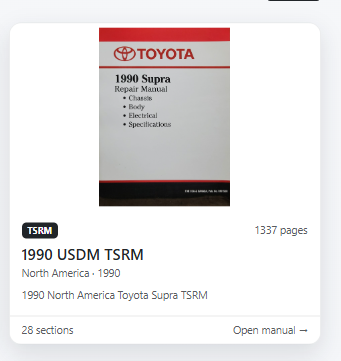
1. Choose the right manual
Start in the TSRM Library. Manuals are grouped by type, year and market. TSRM
is the repair manual, TEWD is the wiring diagram manual, and New Car Features
contains model-year change information.
2. Open a section
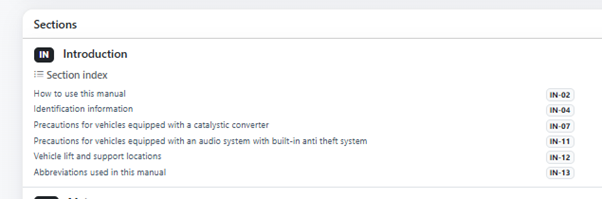
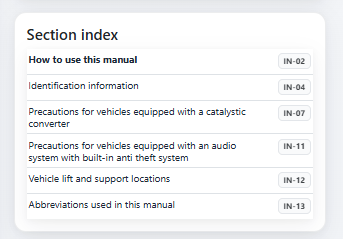
Inside a manual you can open a section such as Engine Mechanical, EFI System,
Body Electrical or Brake System. The section index shows important entries and
lets you jump directly to pages like FI-70">FI-70
or BE-40">BE-40.
3. Easy mode vs Expert mode
Easy mode keeps the page clean and focuses on the main navigation. Expert mode
shows more tools, such as compare options, page/code jumping and extra section
information.
4. Previous / Next
Use Previous and Next to move through the manual page by page. Keyboard arrows
can also be used. This is best when you are following a procedure from start to
finish.

5. Full window and full screen
Full window hides the normal site layout and gives the manual page more room.
Full screen uses the browser full screen mode. Both are useful when you are
working in the garage and want the page as large as possible.

6. Two page mode
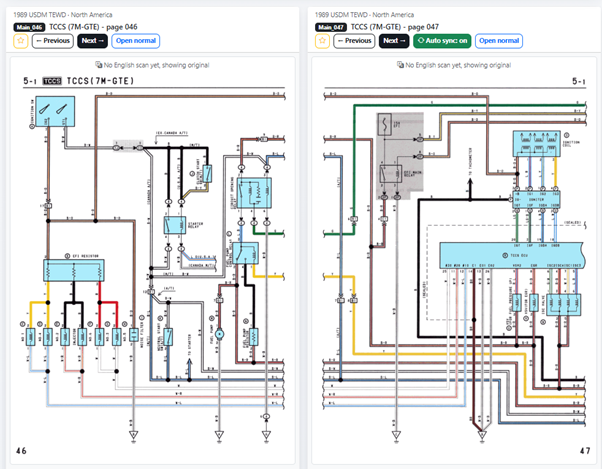
Two page mode lets you view two pages side by side. This is useful when a
procedure continues on the next page, or when you want to compare a diagram
with a specification table. Auto sync can move both pages forward together,
turn auto sync off to keep one page fixed on one side and continue reading on
the other page.
7. English translated pages
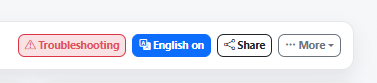
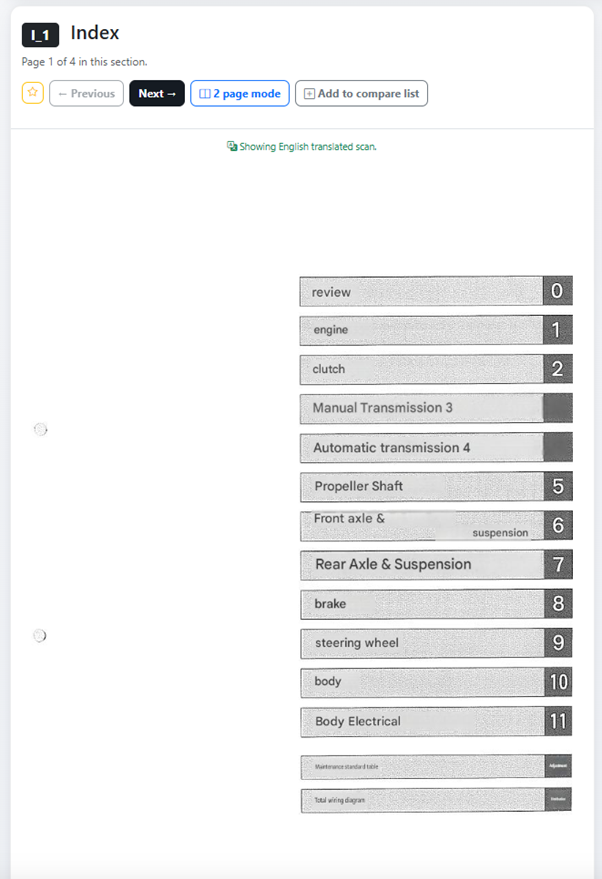
If an English-translated image is available, the English button can show it
automatically. If there is no translated image yet, the original scan is shown.
Click the English on button to view the original language. (Example below is
the 1986 Japanese TSRM)
8. Favorites
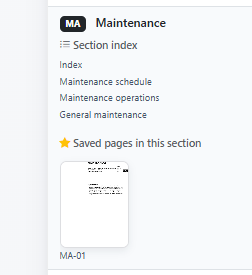
Use the star icon to save pages you often need. Saved pages appear in your
account and can also appear below the relevant manual/section. (*this requires
you register and login to your account so save)
9. Discuss a page
On many manual pages you can use Discuss this on the forum. (there's a button on the bottom right side of each page) This creates or
opens a forum topic linked to that exact page, so questions stay connected to
the information being discussed.