
Section navigation
196 pages · currently page 62.
Examples: 5 or -05.
Compare pages
Save pages while browsing, then open two side by side.
Select two saved pages in the list.
Section index
Preparation items
11_3
Precautions while working
11_4
Switch & Relay
11_8
Ignition switch
11_14
Lighting
11_15
Circuit diagram
11_15
Headlamp inspection and adjustment
11_17
Retractable headlamps
11_19
Fog lamp
11_27
Front & Side Turn Signal Lamps
11_27
Combination switch replacement
11_28
Circuit & unit inspection
11_32
Wiper & Washer
11_37
Circuit diagram
11_37
Front wiper
11_38
Front wiper motor & linkage
11_38
Combination switch replacement
11_42
Circuit & unit inspection
11_42
Windshield Washer
11_44
Adjusting the nozzle washer fluid spray position
11_44
Rear wiper
11_44
Rear wiper motor & wiper relay
11_44
Combination switch replacement
11_49
Windshield washer nozzle removal and installation
11_49
Circuit & unit inspection
11_50
Meters & gauges
11_51
Analog combination meter
11_51
Circuit diagram
11_51
Combination meter removal and installation
11_53
Combination meter disassembly and assembly
11_53
Circuit & unit inspection
11_54
Digital combination meter
11_63
Circuit diagram
11_63
Troubleshooting
11_66
Disassembly and assembly
11_91
Circuit & unit inspection
11_94
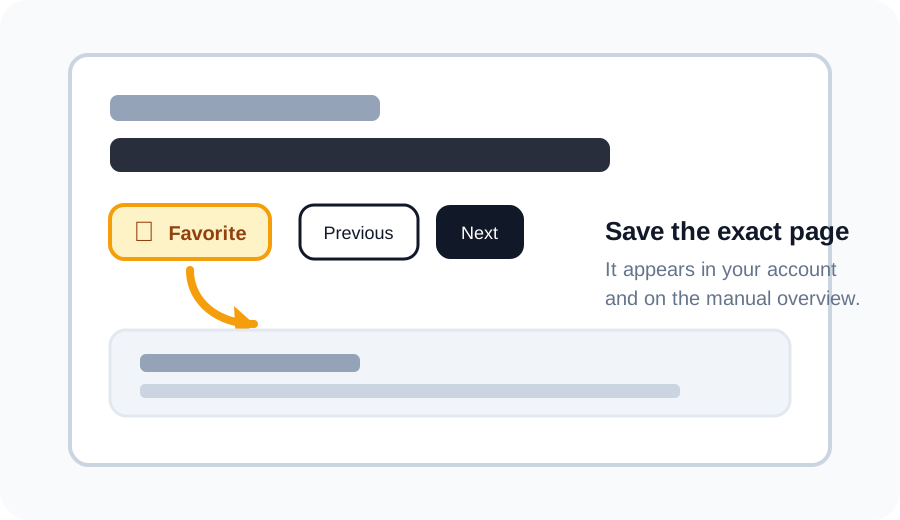
Favorite a page
Click the star above a scan to save that exact page. Your saved pages appear in your account and as thumbnails under the matching section on the manual overview.
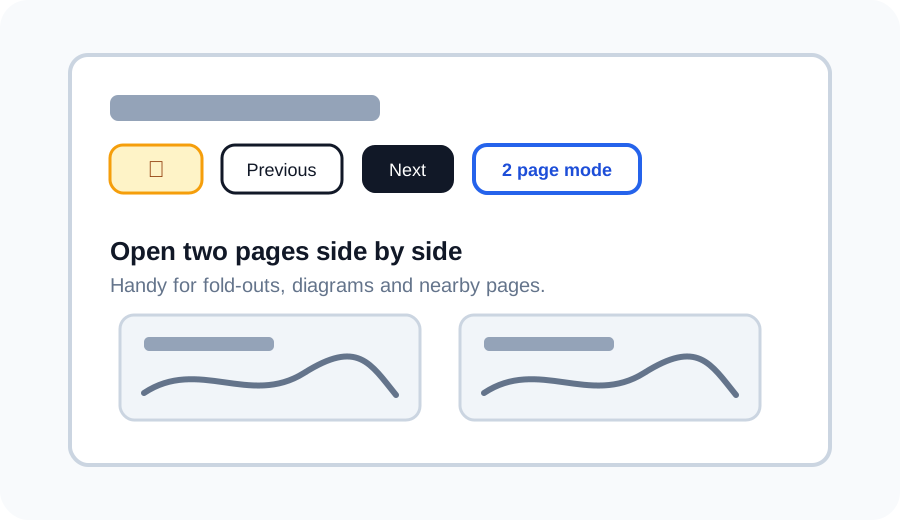
Use 2 page mode
Use 2 page mode to open the current page next to another page. This is useful for wiring diagrams, fold-outs, or comparing nearby pages without losing your place.
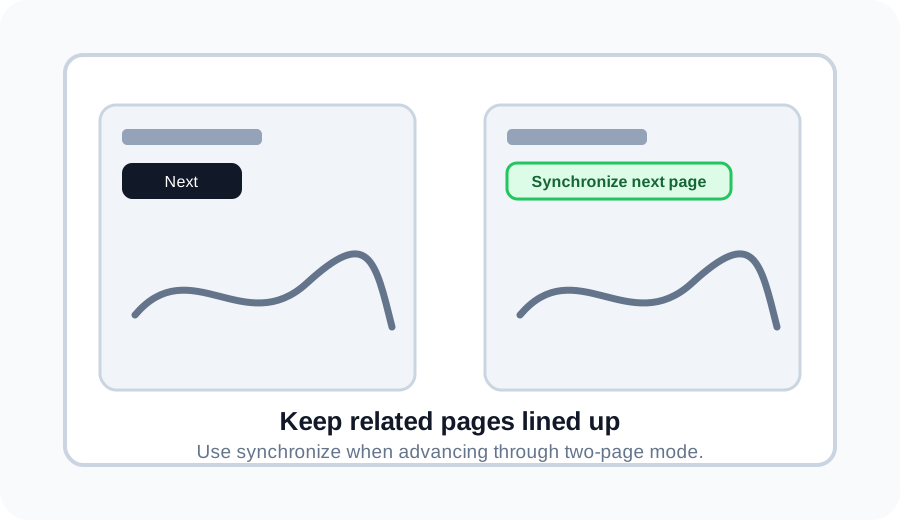
Synchronize pages in 2 page mode
If one side is ahead or behind, use Synchronize next page to move the right page back in line with the left page.
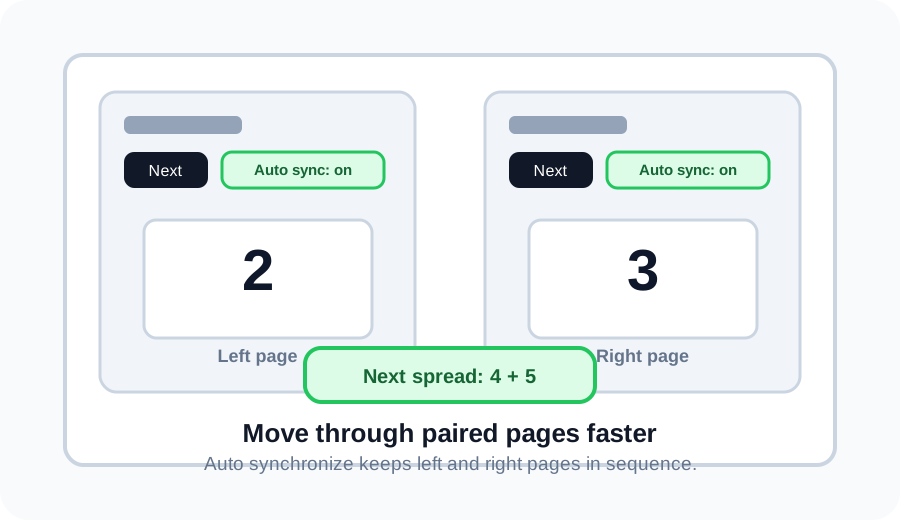
Auto synchronize spreads
Turn on Auto synchronize, then Next moves two pages at once. For example, pages 2 and 3 become pages 4 and 5.