- Preparation items 4_2
- Basic inspection, adjustment 4_4
- On-board inspection 4_6
- On-road inspection 4_6
- Driving test 4_10
- A42DL 4_10
- A42DE, A340E 4_14
- Automatic transmission diagnosis 4_19
- A42DL (1G-EU) 4_19
- A42DE (1G-GEU) 4_20
- A340E (1G-GTEU) 4_23
- A340E (7M-GTEU) 4_26
- Electrical control 4_29
- A42DL 4_29
- A42DE, A340E 4_31
- Troubleshooting 4_34
- Component inspection 4_42
- On-board maintenance 4_46
- Throttle Cable 4_46
- A42DL, A42DE 4_46
- A340E 4_56
- Valve body (A340E) 4_60
- Replacement of rear extension housing oil seal 4_66
- Front oil pump oil seal replacement 4_68
- Replacing the neutral start switch 4_69
- Governor valve replacement (A42DL) 4_79
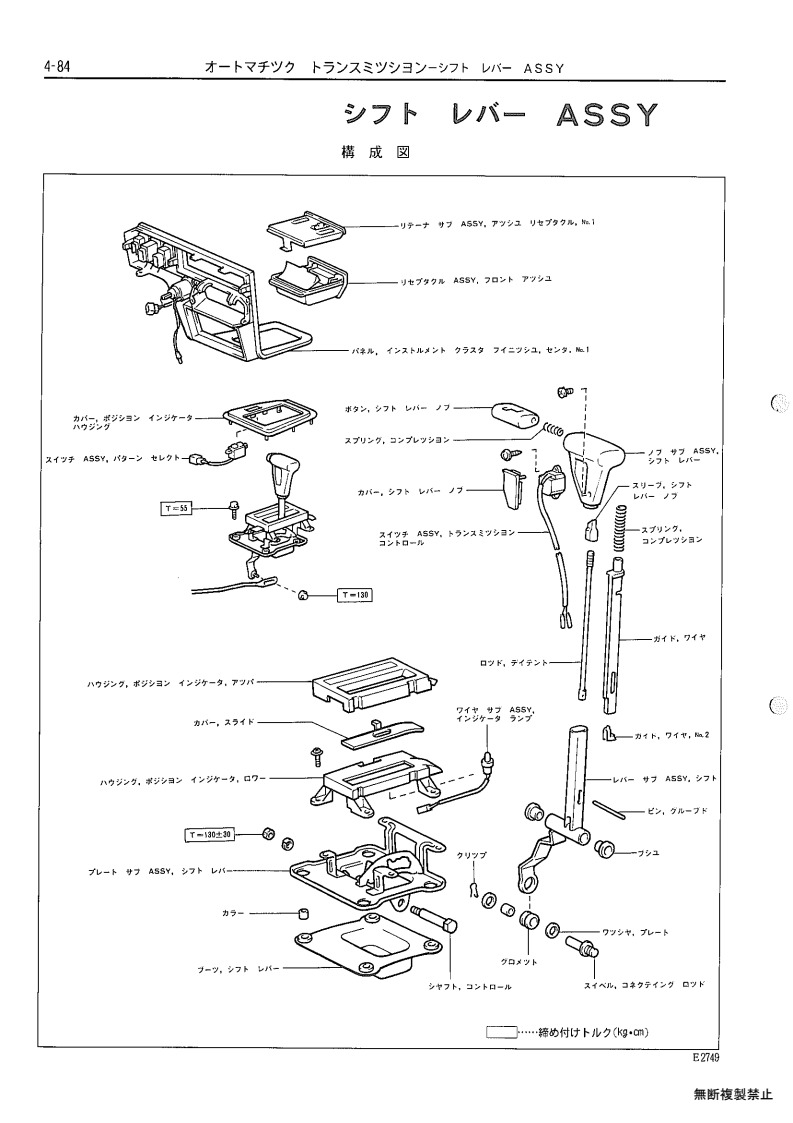
- Shift lever ASSY 4_84
- Removal and installation of the transmission assembly 4_94
Section navigation
112 pages · currently page 84.
Compare pages
Save pages while browsing, then open two side by side.
Section index
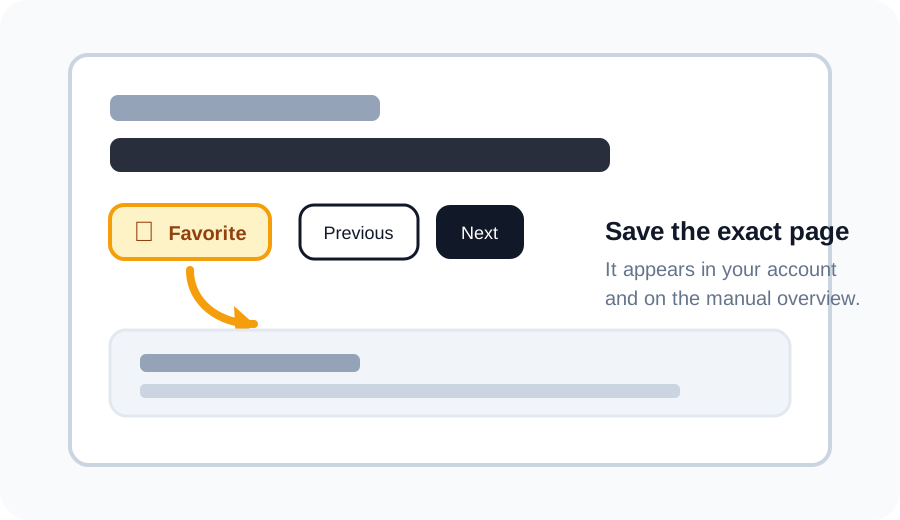
Favorite a page
Click the star above a scan to save that exact page. Your saved pages appear in your account and as thumbnails under the matching section on the manual overview.
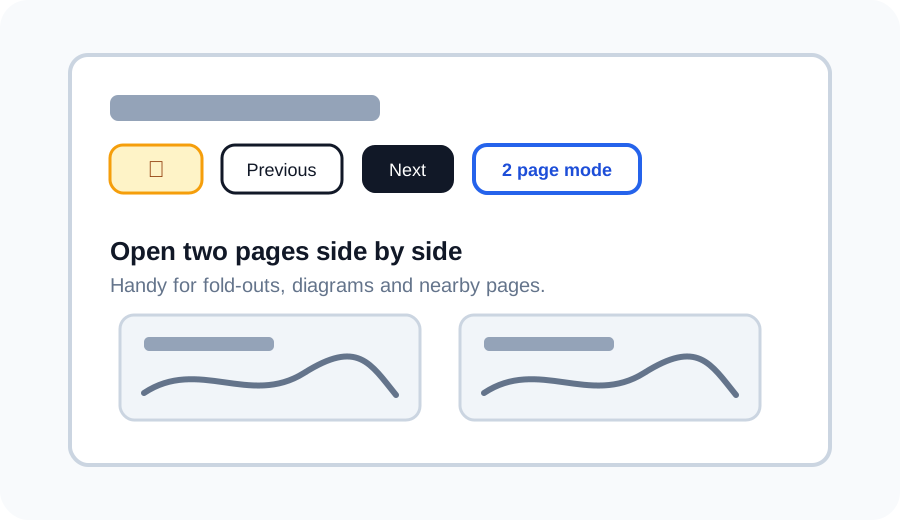
Use 2 page mode
Use 2 page mode to open the current page next to another page. This is useful for wiring diagrams, fold-outs, or comparing nearby pages without losing your place.
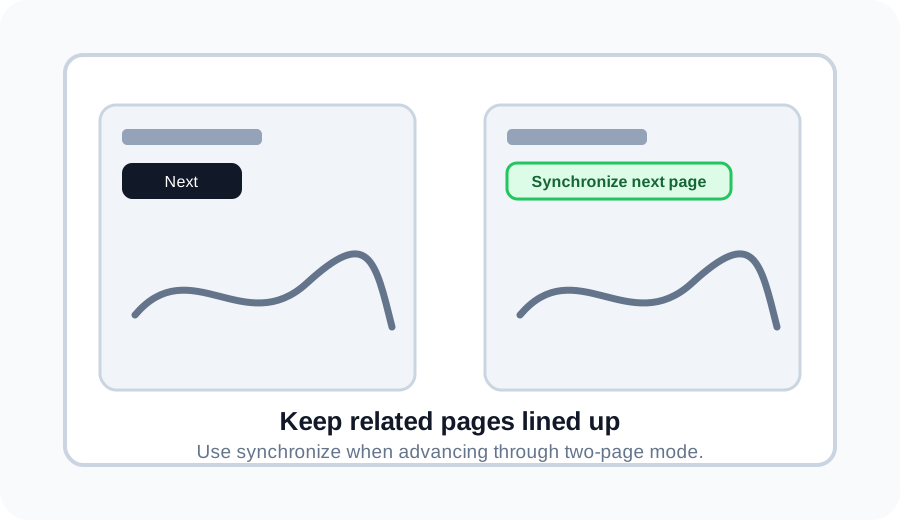
Synchronize pages in 2 page mode
If one side is ahead or behind, use Synchronize next page to move the right page back in line with the left page.
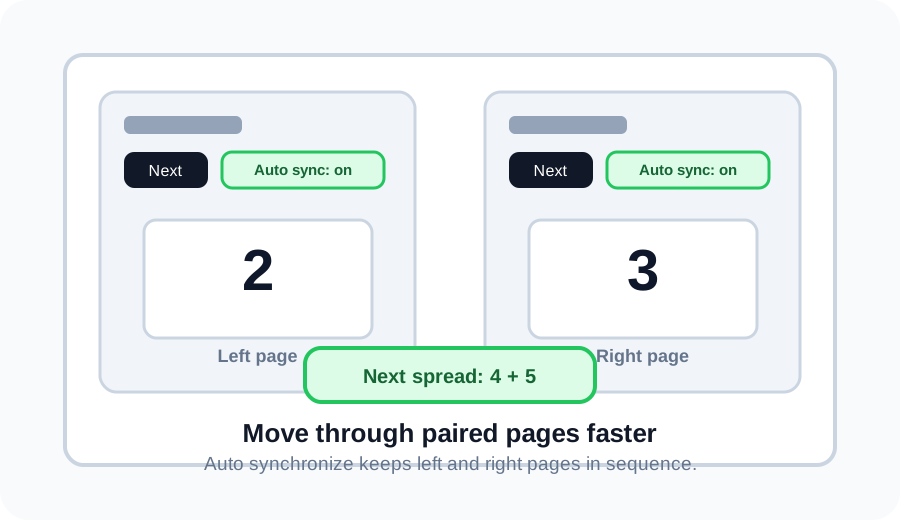
Auto synchronize spreads
Turn on Auto synchronize, then Next moves two pages at once. For example, pages 2 and 3 become pages 4 and 5.
Discuss this page on the forum
Log in to start a discussion about this archive page. Existing discussions stay linked to the page so everyone can find them later.